Where do course videos live?
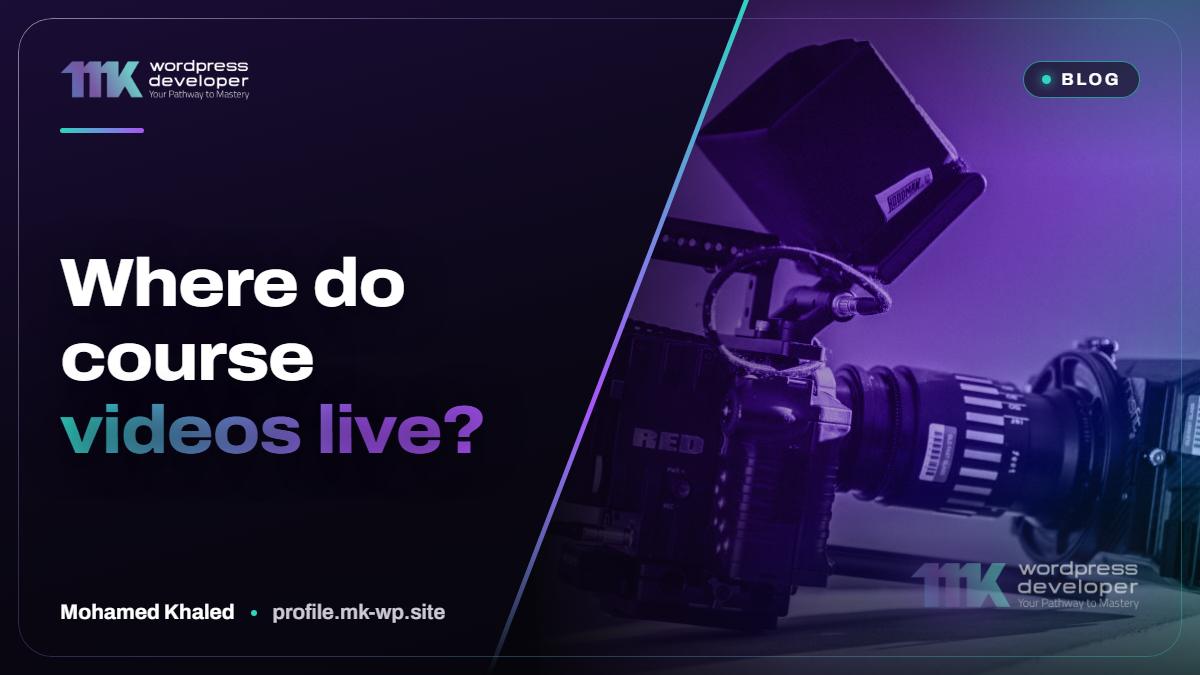
Video is the heaviest thing a course platform carries, and where it lives decides how the lessons play. Course video hosting is a separate decision from website hosting, and it is worth making on purpose.
Why not upload videos to the site itself?
Because ordinary website hosting is built to serve pages, not to stream hours of video to many people at once. Large files fill the storage, slow the backups and compete with the site itself when several students press play together. Playback also suffers, since nothing adjusts the quality to a slow connection. For a single short clip it may pass; for a course it rarely does.
What are the options?
There are three families. A public video site, where the lesson is uploaded as hidden or unlisted and embedded in the lesson page. A dedicated video hosting service made for businesses and courses, which you pay for and which gives you more control over the player and who can watch. And storage of your own connected to a player, which is the most flexible and the most work to set up.
How well can a lesson be protected?
Be realistic here. Hiding a video on a public site only means it is not listed; anyone with the link can usually watch and share it. Dedicated services can limit playback to your own domain and offer stronger protection. None of them can stop a determined person from recording the screen. Protection raises the effort needed to copy; it does not make copying impossible, and anyone who promises otherwise is overselling.
What does the student need from the player?
Smooth playback on a phone, on an average connection. A player that adapts quality automatically, remembers where the student stopped and lets them change the speed makes long lessons bearable. Check too how the player looks inside your lesson page: without distracting suggestions for other videos at the end, and without a logo that sends the student away from your platform.
What should I check before choosing?
How much video you will have and how fast that will grow, since services charge in different ways and you should read the current terms yourself. Whether the service works well in the countries your students live in. Whether your course plugin embeds it cleanly. And how easily you could move away: you should always be able to download your own files again.
What should I keep on my side?
The originals. Whatever service you use, keep the full-quality files of every lesson in a place you control, named and ordered the way the course is. A service can change its terms, and a platform can be rebuilt; a lesson you have to record again is the only real loss. This habit takes up some storage and saves you from the worst day a course creator can have.
How I handle it
When I build a course platform on LearnDash or Tutor LMS, we settle the video question during the design stage, not after the lessons are uploaded. I explain the options against your course and your students, you choose, and I design the lesson page in Figma around the player you will really use. You approve it before the build, and afterwards you add lessons yourself from the dashboard. Tell me roughly how much video your course has and where your students are.
New articles every day on our Facebook page: Learn with MK
Have a project in mind?
Tell me what you are building and I reply within 24 hours.